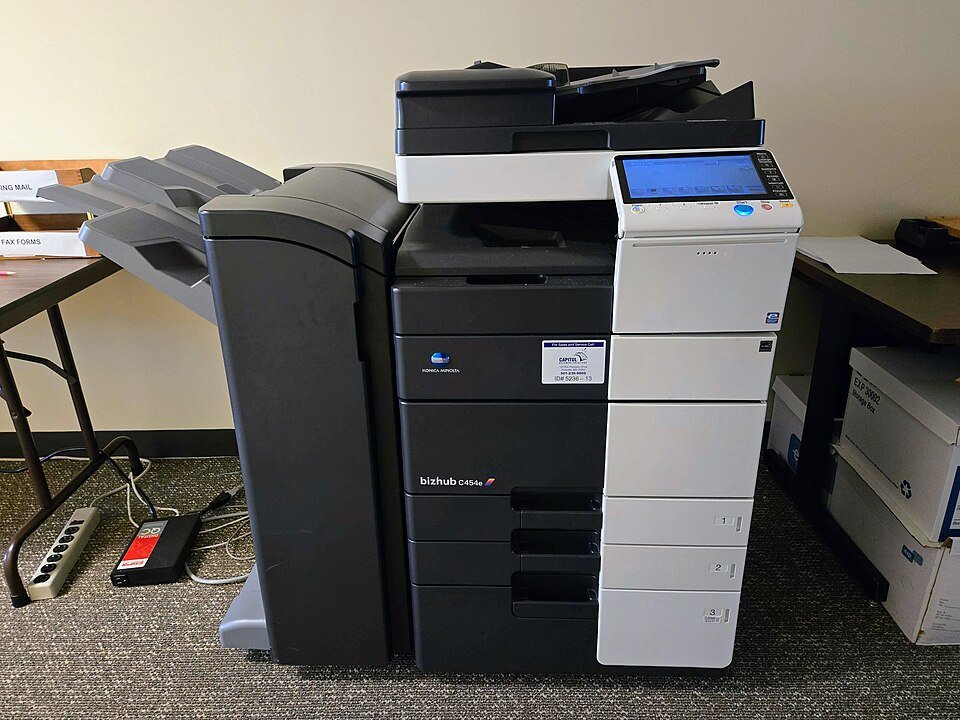

Create readable immigration scans by checking every page against the actual portal’s requirements. Keep complete, unaltered source images and prepare submission files from them.
What the official guidance establishes
IRCC’s Express Entry application instructions tell applicants to make electronic copies of checklist documents using a scanner or camera and to use accepted file formats. This is a specific portal example, not a universal file-size rule. Read IRCC: Express Entry application and uploads for the original scope and current instructions.
Capture a complete record
Use a page list and include the relevant reverse side and attachments requested by the checklist. Keep corners, stamps and text visible. Review orientation and focus before moving to the next page. Do not enhance an image in a way that changes the information shown.
Audit the submission file
Open the actual file to be uploaded and check page order, legibility and completeness at an ordinary reading size. Compare its type and size with the current portal instructions. Record a compression or conversion as a new version so the original scan remains available.
Connect the file to the upload field
Name the file clearly for your own use and put it beside the exact checklist field in a manifest. Check that the file opens before selecting it. Keep the submission confirmation separately from the prepared file; a tidy folder does not prove it was transmitted.
Your working sheet
This is an optional IMMIGEUROPE planning worksheet, not an official application form or a new document requirement.
| Record | What to enter |
|---|---|
| Field | Exact portal document request |
| Coverage | Expected pages and relevant reverse sides |
| Quality | Readable, correctly oriented and complete |
| Version | Submission filename and retained original |
Worked planning example
A fictional applicant compresses a multi-page PDF and finds that a stamp has become unreadable. They rebuild the submission version from the preserved originals within the portal’s actual constraints, rather than uploading the damaged copy because its size is smaller.
Use the final file, not a thumbnail preview, for the last review. Keep the next action in the moving planner and use the guide library for the next part of your move.